Leave management
Balances and requests stay together
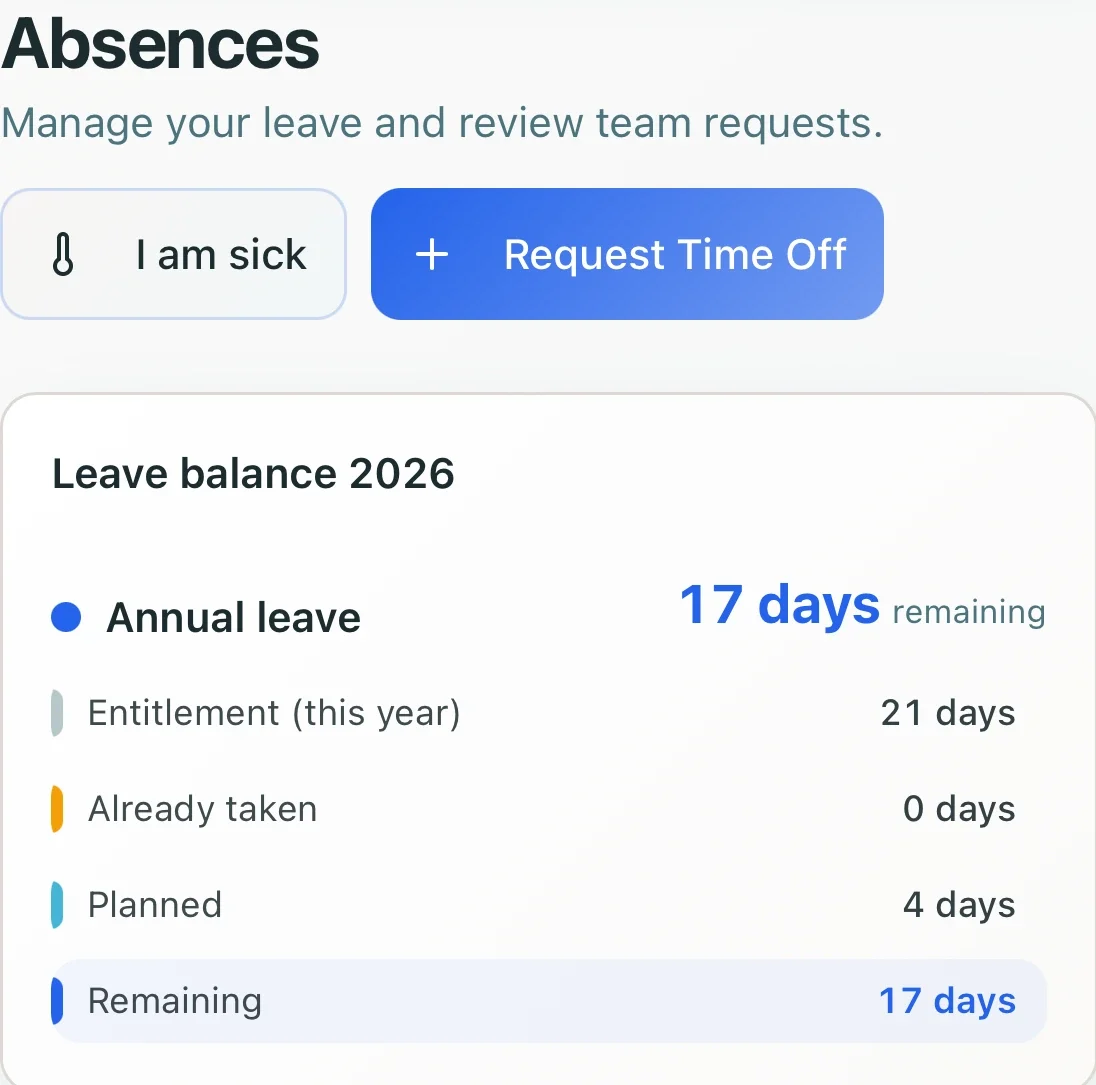
Employees can check their leave balance and submit a time-off request without a separate spreadsheet or message thread.
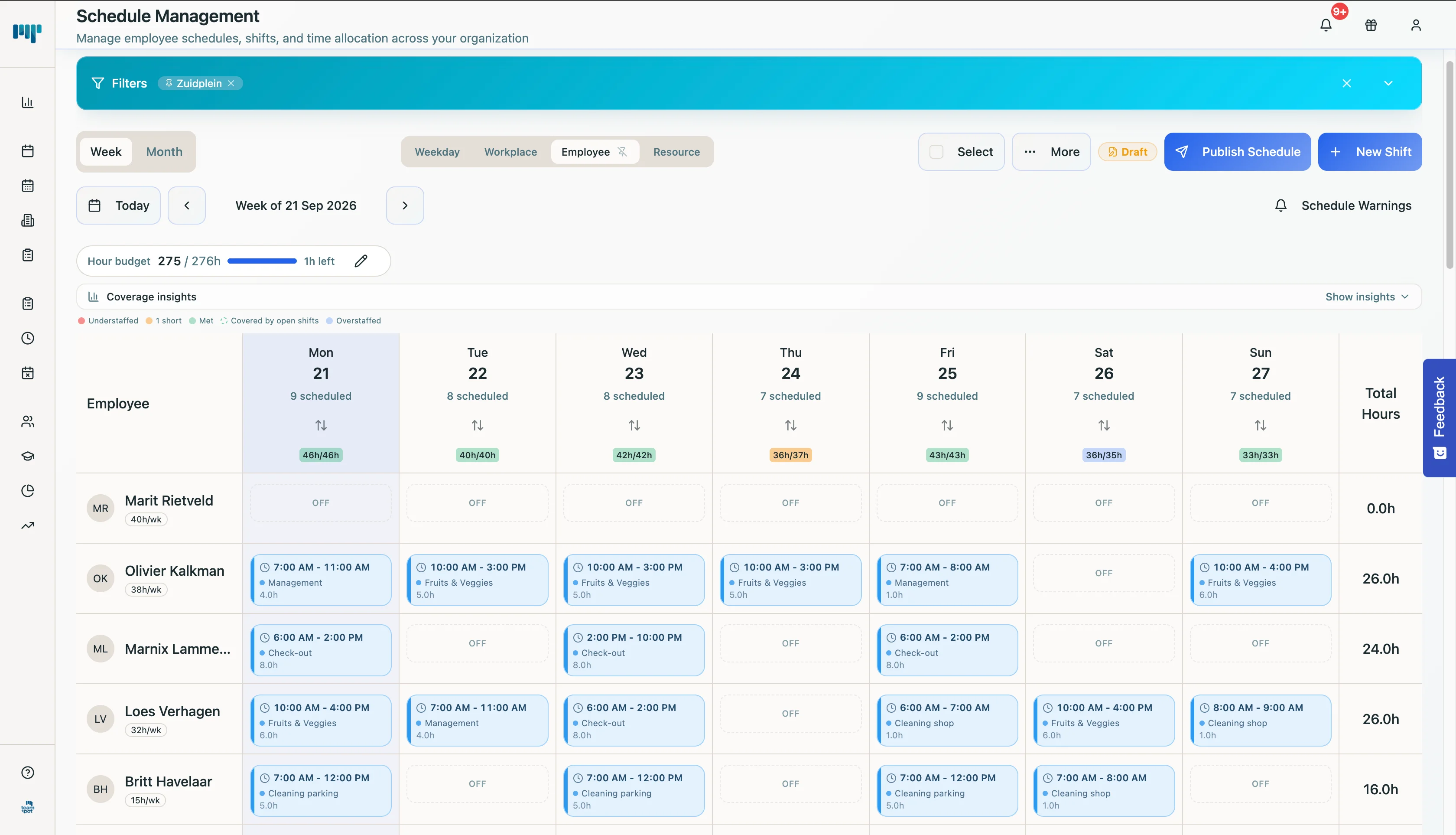
Generate schedules around your staffing needs and company rules, with employee schedules, time tracking, and leave management in one platform.
Automatic scheduling
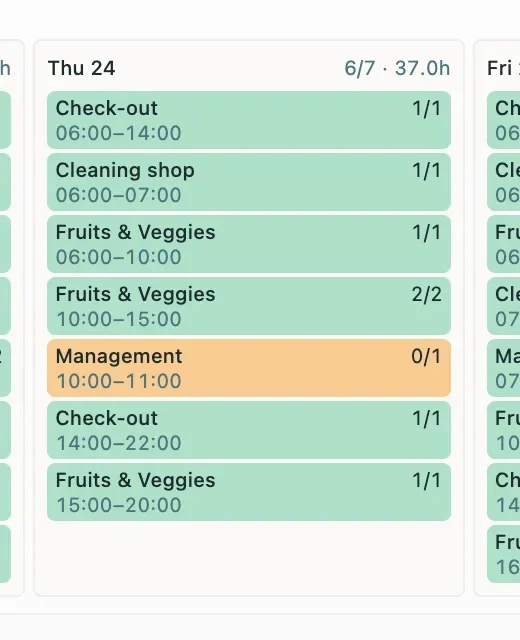
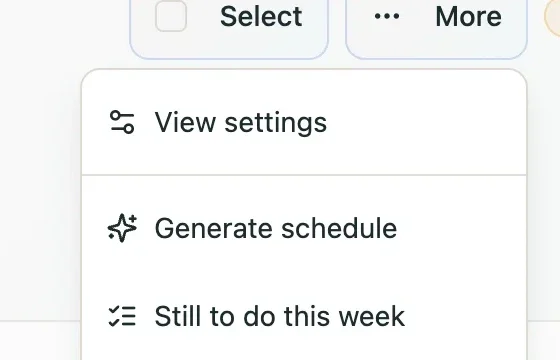
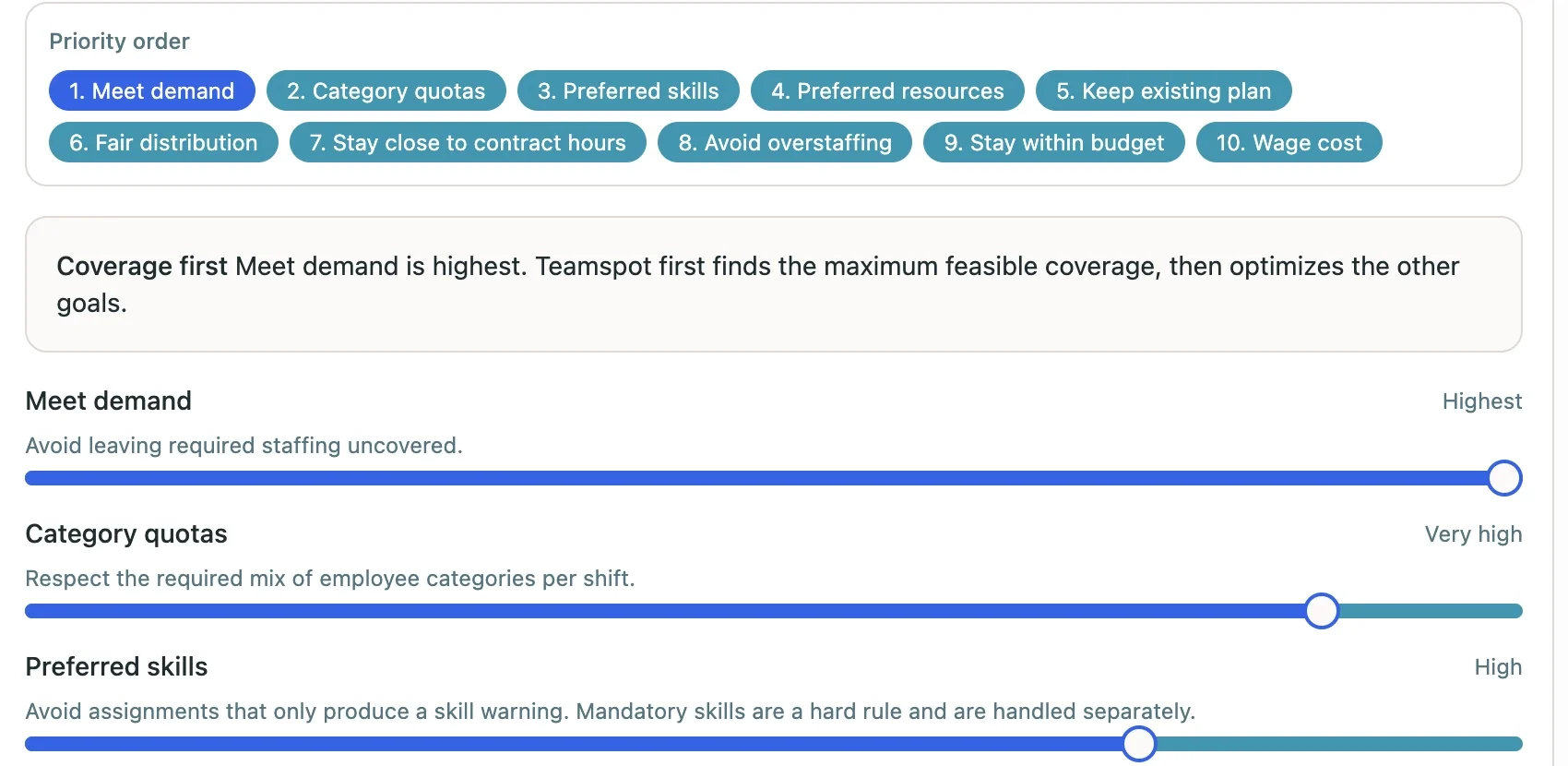
Teamspot uses mathematical optimization to balance your staffing priorities within your scheduling rules. You get a proposal to review, with remaining gaps clearly shown.
Balance coverage, skills, fairness, and costs around what matters to your operation.
Hard rules remain boundaries, even when that means leaving a shift open.
Review the proposed assignments and any gaps before applying the schedule.
Beyond the roster
Keep employee schedules, time tracking, and leave management in Teamspot instead of piecing separate tools together.
Leave management
Employees can check their leave balance and submit a time-off request without a separate spreadsheet or message thread.
Time tracking
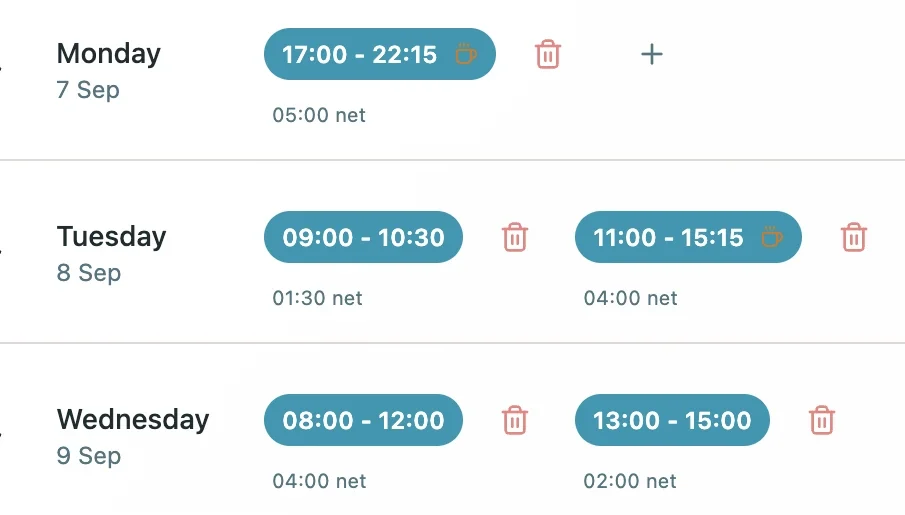
See work intervals and net hours in one record, ready for managers to review.
Staff can check the current schedule without asking a manager for the latest version.

After more than 7 years in this industry, I still saw too many teams struggle with tools that didn't support their operations. Scheduling and time tracking should be easy, compliant, and actually support how you work.
Reyno Stol - Founder, Teamspot
Before you decide
Yes. Company priorities include demand, preferred skills, fair distribution, contract hours, and costs. Preferences operate within hard scheduling rules.
No. Review the proposed assignments before using the separate Apply to schedule action. The optional overwrite setting determines how existing unpublished planning is handled.
A shift can remain open. The proposal reports open shifts and hours so you can see what still needs attention.
Tell us about your team and the planning challenges you want to solve. Request a demo to discuss how Teamspot could fit your operation.
We'll get in touch to arrange a demo.